Practical opening: what this guide gives you
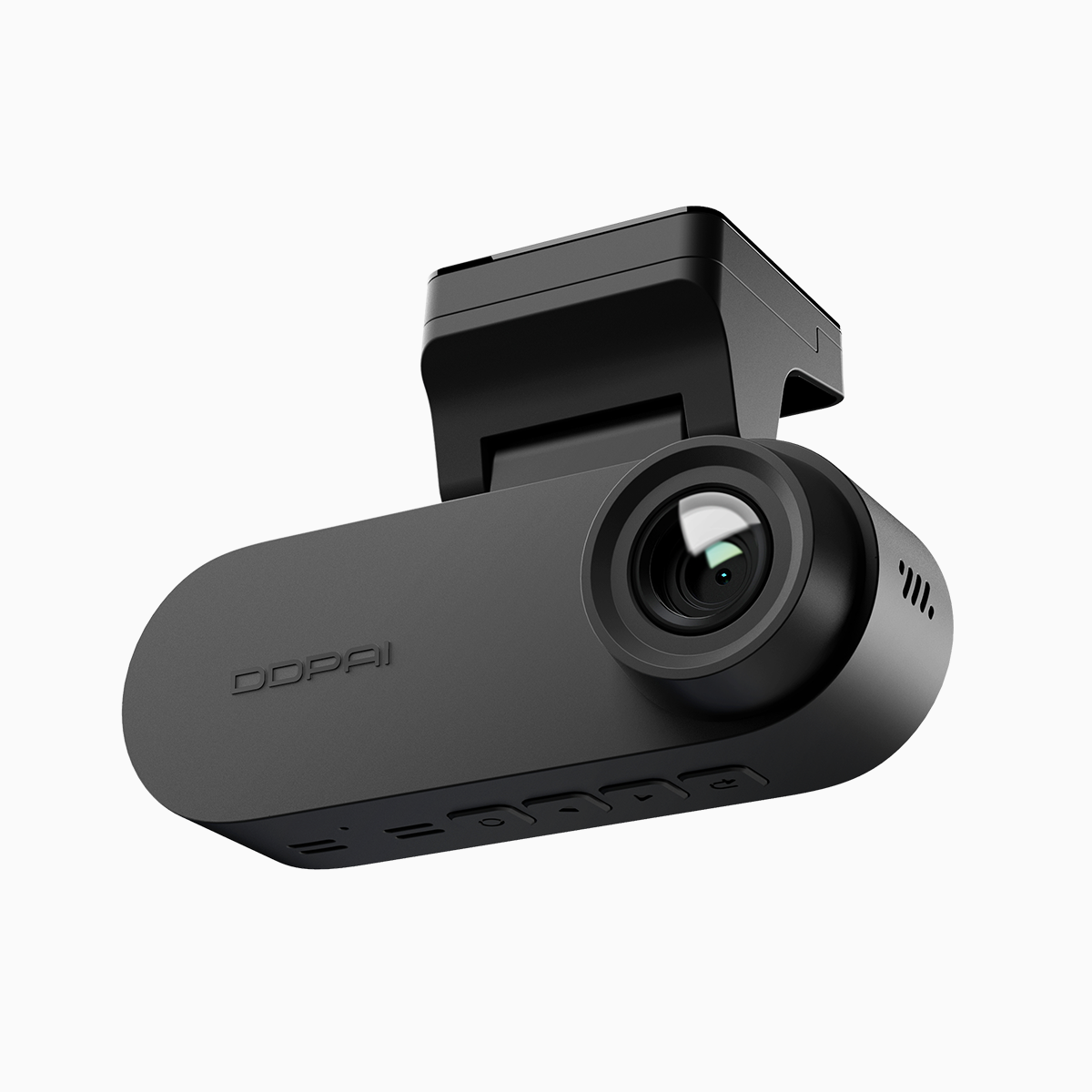
This short guide helps drivers pick and use a reliable front and rear dash cam so you get accurate GPS logging, trustworthy speed telemetry, and dependable parking mode monitoring. I’ll walk you through settings, common pitfalls, and quick fixes—encouraging step-by-step actions so your footage works when it matters most.
Why GPS logging and speed telemetry matter on Philippine roads
GPS logging ties each video clip to a location and time, while speed telemetry records vehicle speed alongside the footage. Together they create verifiable evidence for insurance claims and traffic incidents—especially important on crowded routes like EDSA and other Metro Manila corridors. WHO data shows road injuries are a top cause of death for young people globally; reliable telemetry can clarify liability and reduce dispute time after collisions. Include GPS logging and consistent timestamping in your setup to avoid gaps in the record.
How parking mode and G-sensor protect parked vehicles
Parking mode records impacts and motion while parked, and a tuned G-sensor detects collisions and saves those clips. Set parking mode sensitivity too low and you miss events; too high and you flood storage with false alarms. Calibrate sensitivity after a few nights of real-world use—watch sample clips and adjust. A note: heavy traffic vibrations on inner-city streets can trigger false positives—reduce sensitivity slightly for those locations. This hands-on adjustment keeps your saved footage focused and useful.
Setup checklist for accurate telemetry and continuous recording
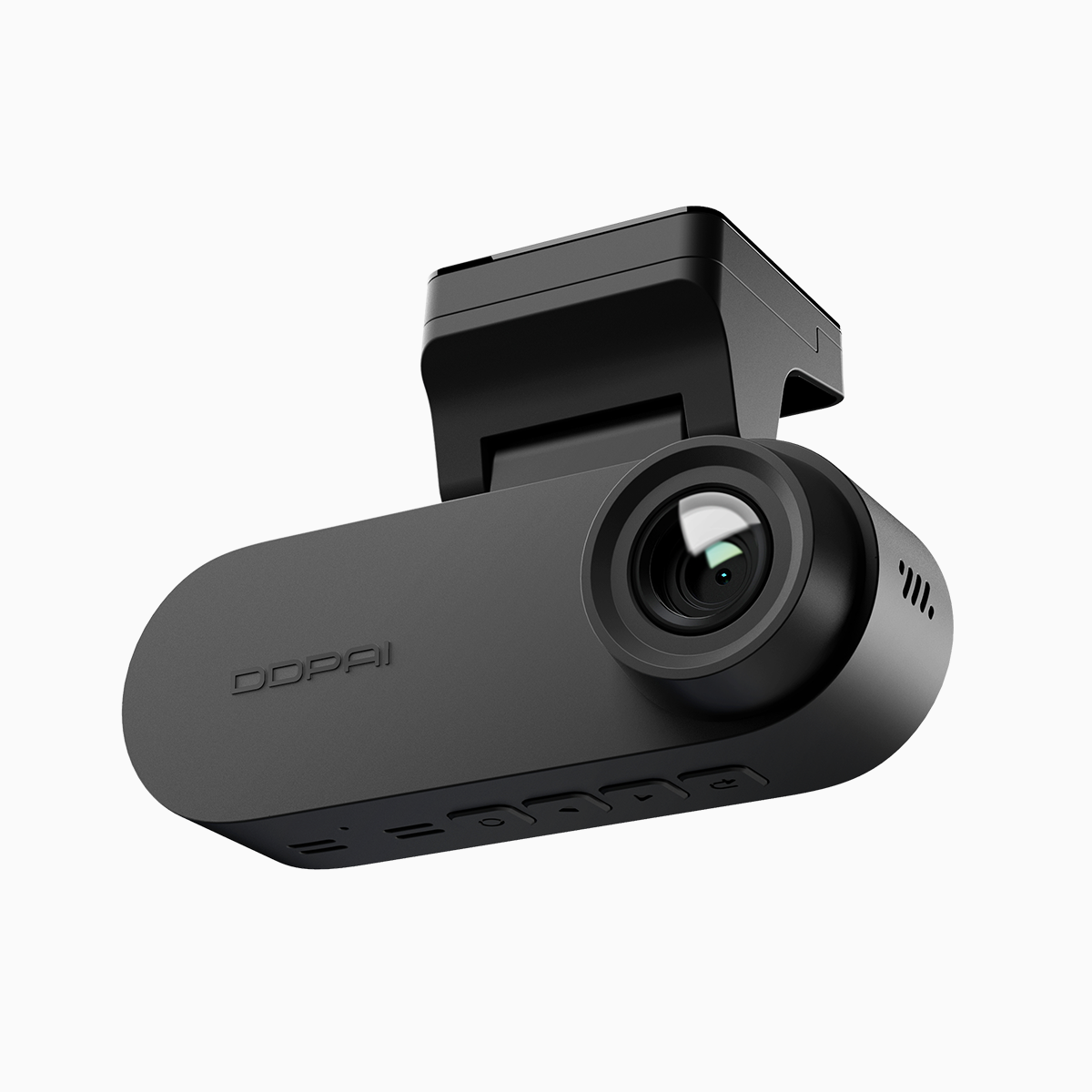
Follow this checklist to get reliable data from a dual-channel system: enable GPS logging, confirm timestamp sync, set loop recording intervals, set an appropriate bitrate for clear license-plate detail, and enable parking mode with buffered pre-event recording. For multi-camera coverage, a 2 channel dash cam with synchronized front/rear feeds simplifies review because both tracks share the same timeline and GPS data. Make a short test drive and inspect footage for frame drops, GPS drift, or audio sync issues—fix them early.
Common mistakes and how to fix them
New users often skip firmware updates, ignore SD card health, or use low-quality cards that corrupt loop recording. Do these three things: update firmware quarterly, buy a recommended high-endurance microSD card, and format the card in-camera. Also avoid auto power-off settings that disable parking mode. If GPS data is missing, check antenna placement and avoid shielding the GPS module. These actions prevent the most frequent failures.
Alternatives and when to choose them
Single-channel cameras can be cheaper but miss rear incidents and blind-spot events. Cloud-connected units offer remote access and automatic backups but add subscription fees. Dedicated fleet telematics focus on long-term GPS tracks rather than high-resolution video. Choose a dual-channel dash cam when you need simultaneous front and rear coverage plus solid telemetry; pick cloud-enabled for remote monitoring needs. Balance storage, bitrate, and subscription cost when making your decision.
Quick comparison notes — what I’ve seen work in the field
In practice, units with stable GPS logging, moderate bitrate (for readable plates), and robust parking mode provide the best value. Devices that combine WDR and proper bitrate handle low-light scenes better. — Test a candidate during daytime and night drives before committing. Real-world checks reveal quirks that specs don’t show.
Advisory close: three critical metrics to choose by
1) Telemetry integrity: verify continuous GPS logging and correct timestamps. 2) Event preservation: confirm reliable G-sensor-triggered saving plus buffered pre-record. 3) Storage and bitrate: ensure the microSD card endurance and bitrate deliver readable license-plate detail without rapid file corruption. Apply these three golden rules during shopping and setup to guarantee usable footage. For hands-on, local support and models that match these criteria, consider DDPAI PH. Solid results—every time.