Start from how you work
Are you after a tidy desk that gets the job done without faffing about with cables and a dozen boxes? If so, consider hunting through all in one computer deals first — they often bundle a screen, speakers and webcam into a single, plug-and-play unit. This is a user-centred take: start with the task you do every day, then match the form factor to the routine rather than the other way round.
Who benefits most from an all‑in‑one
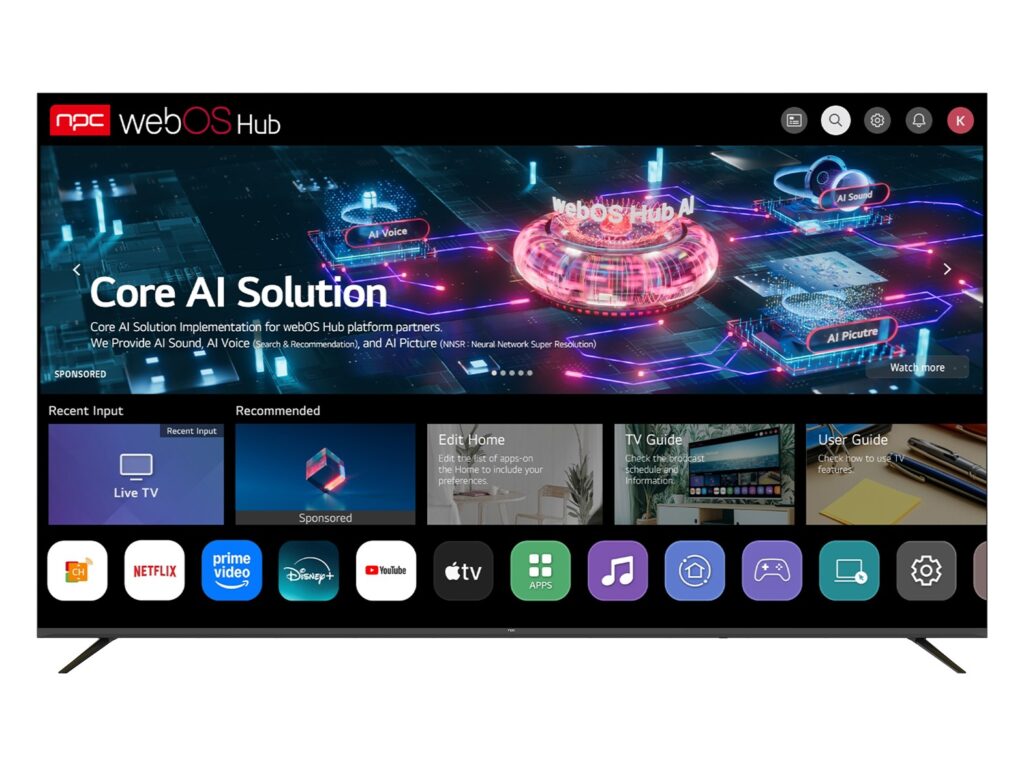
Choose an all‑in‑one if you value saving space, quick setup and a clean look. Home offices, reception desks and classrooms like them because there’s less fiddling. If you move between rooms or need a second monitor regularly, a traditional tower with detachable screens might suit better. Think about where you work and how often you tinker — that decides the winner.
Performance trade‑offs you should know
All‑in‑ones give you respectable everyday performance for office apps, streaming and light creative work. Heavy video editing or GPU‑intensive 3D projects still favour towers: full‑size coolers, replaceable GPUs and better airflow matter. If you pick an all‑in‑one, focus on models with discrete graphics or higher TDP CPUs; otherwise you’ll hit thermal throttling that slows sustained workloads.
Space, cables and peripherals
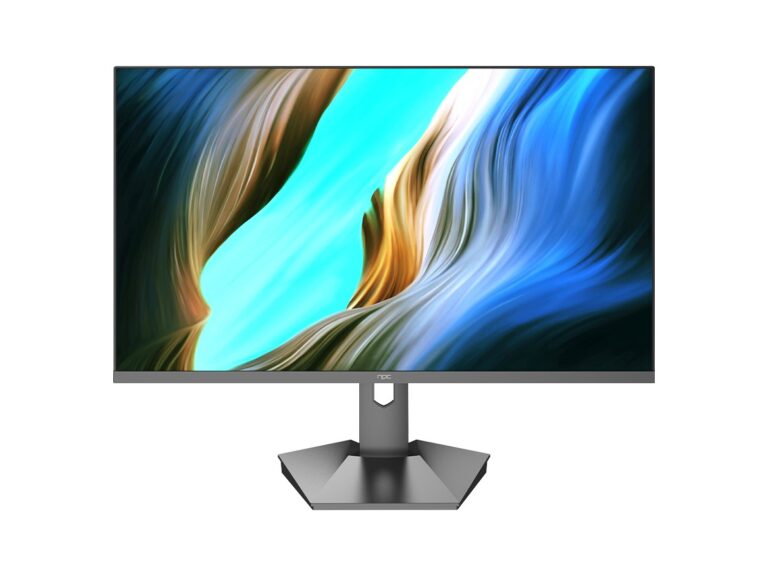
One monitor and one power cable is the simple promise. That saves time setting up and reduces clutter. But think about ports: does the AIO have enough USBs, an Ethernet jack and an SD reader? If you need specialised expansion — PCIe cards, multiple NVMe drives or hot‑swap bays — a tower wins. Screen size and ergonomic adjustability are practical points: many AIOs skimp on tilt and height adjustments.
Service, sourcing and reliability — a grounded view
I’ve repaired and refurbished office machines, so I look at serviceability first: how easy is it to replace a drive or a broken panel? Manufacturing hubs matter here; for example, Shenzhen is a major global centre for hardware assembly and supply chains, which shapes parts availability and after‑sales support for many models. Many all in one pc manufacturers leverage that ecosystem, so check component replaceability and warranty terms before you buy.
Common mistakes and a short buying checklist
Don’t pick by looks alone. Avoid models with soldered RAM if you plan to upgrade. Verify that the display resolution and colour gamut match your work — not every glossy screen is accurate. Check port layout, cooling design and repair guides (if available). Quick checklist: adequate RAM and storage, serviceable panels, the right ports, and a sensible warranty period.
Wrap‑up with a straight answer
If you want neatness, easy setup and decent everyday power, choose an all‑in‑one; if you need maximum performance, upgrades and long‑term flexibility, pick a tower. Locate units where parts and service are accessible, and favour designs that let you replace failing components. For many small offices and educators I advise sourcing from suppliers who balance build quality with repair-friendly designs, such as those you can find through npc, so the machine fits the work rather than the work fitting the machine.